
Giveaway comment filters and managing entries are important to run fair giveaways on Instagram, Facebook, TikTok, and other social media platforms. The filters are used to make sure participants following the requirements and rules of your contest and to remove invalid entries and bots or spam accounts.
What type of giveaway filters can I use?
Comment Picker offers the most advanced range of giveaway filters and settings to validate comments, users, and entries. Learn how to use the filter and settings, view examples of contests and requirements, and get ideas for your next giveaway.
- Filter duplicate users
- Filter comments by mentions
- Filter comments by text
- Filter comments by date
- Filter comments by like count
- Filter comments by post like
- Filter comments with a photo
Most filters are available for free in all giveaway tools. View availability per platform.
1. Filter duplicate users
The duplicate users filter can be used to create an equal change of winning for all participants. Each user that follows your giveaway rules gets one entry, even if they post multiple comments.
A user is defined by their unique user ID or username. The first comment that follows the rules will be included as a giveaway entry, the rest will be removed. This filter is applied after all other filters.
Example of giveaway rule:
- Only one entry per person.
Tip: Did you know you can announce the winner with a customized image certificate or announcement video? Read everything about announcing the winner of your giveaway.
2. Filter comments by mentions or tagged friends
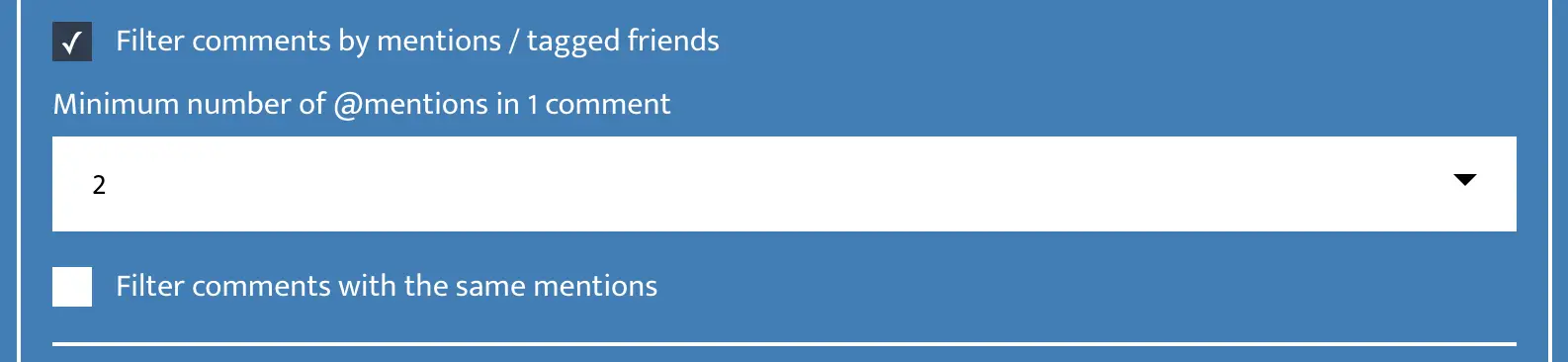
The mention filter is popular to create engagement on your giveaway post and improve the reach and visibility. This filter can be used for giveaway requirements like: tag 2 friends to win. If a user posted a comment with 2 friends, they get one entry for your giveaway.
The minimum number of mentions that you select is applied to a single comment. You can filter comments with up to 10 mentions in one comment. However, 2 or 3 mentions might be a better fit for most giveaways.
Examples of requirement:
- Tag a friend to enter.
- Tag 2 friends who would love this prize.
- Tag 3 persons you would share the prize with.
- Tag the person who deserves this prize.
3. Filter comments by text
This text filter can be used to find comments that contain specific words, hashtags, numbers, or answers. You can require one exact word or hashtag, multiple words in a single comment, or at least one of the answers from a list of accepted options.
Examples of contests and requirements:
- Predict the correct score to win.
- Guess the number and win.
- Answer the question correctly.
- Comment a secret keyword mentioned in a video or livestream.
- Add #hashtag in your comment to enter.
These types of giveaways are highly effective because they encourage a lot of user interaction.

4. Filter comments by date
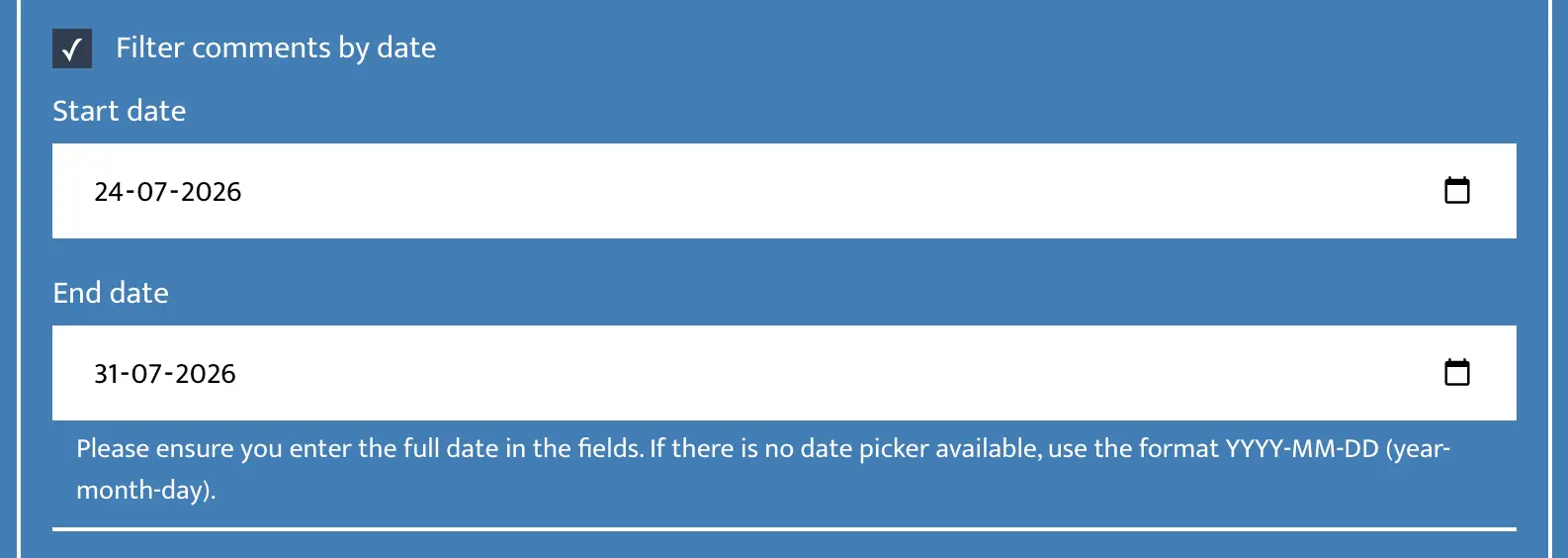
If you want to run your giveaway within a specific timeframe, such as one or two weeks, you can use the date filter to include only comments posted between a selected start and end date.
The date filter uses your local time to determine whether a comment falls within the selected timeframe.
Examples of giveaway rules:
- This giveaway runs from January 6 to January 12.
- Only comments posted before July 1 are eligible.
- Entries submitted after the closing date will not be included.
5. Filter comments by like count
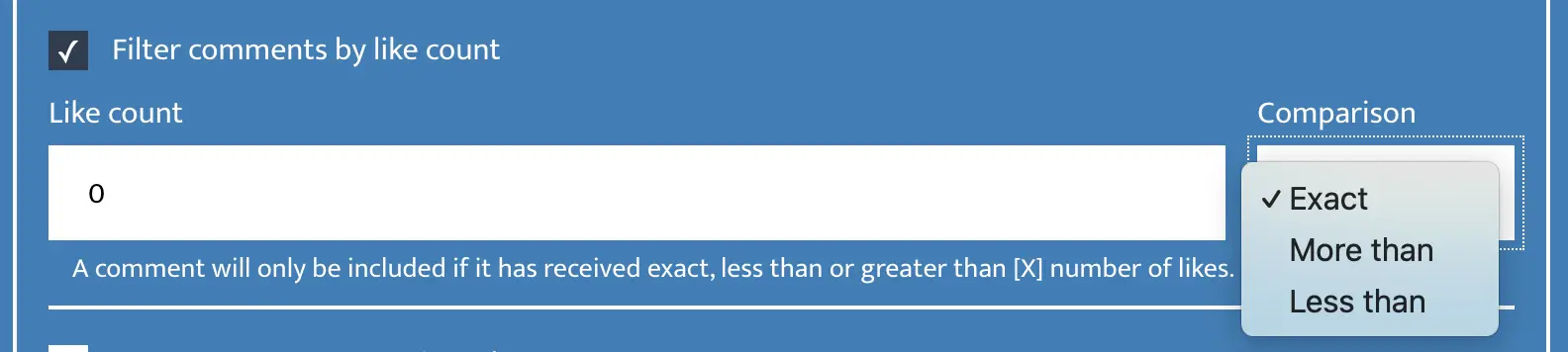
The like count filter is mostly used for specific types of contests. You can require if a comment needs to have a minimum, maximum, or exact number of likes on a comment to qualify as an entry. Participants need to engage with your giveaway post and comments, which can lead to more reach and visibility on Instagram, Facebook, YouTube, TikTok, Reddit, or Bluesky.
Examples of contests and requirements:
- The comment with the most likes wins.
- Get exactly 10 likes on your comment to qualify.
- Be the first comment to reach 100 likes.
- Receive at least 25 likes to enter the final draw.
- A comment that has no likes after one hour wins.
6. Filter comments by post like
This filter requires participants to like the giveaway post in addition to their comment. If a user don't like the post, they don't get an entry for the contest, even if they added a comment.
Adding this like requirement can improve engagement of the giveaway post, as friends of participants can see they liked a post.
Examples of giveaway requirement:
- Like the giveaway post to enter.
Important: This filter is only available for Facebook giveaways.
7. Filter comments with a photo
If you want to run a creative giveaway or photo contest where users share a photo in the comments, this filter is the perfect solution. Only comments that include an uploaded photo will qualify as an entry. Facebook stickers and GIFs do not count as photos.
For this contest, you might want to manually select the winner from the entries. You can use the Facebook Comment Exporter to download all entries to Excel or CSV.
Examples of photo contests and giveaway requirements:
- Share a photo of yourself using our product.
- Post your best pet photo.
- Share a before-and-after transformation.
- Post your best seasonal photo, decoration, or costume.
- Share a photo of your best recipe or creative project.
Important: This filter is only available for Facebook giveaways.
How to manage giveaway entries?
Not all entries can be managed with filters alone. In some cases, you want to give a user extra entries, exclude users, or limit the number of entries per user.
Add bonus entries
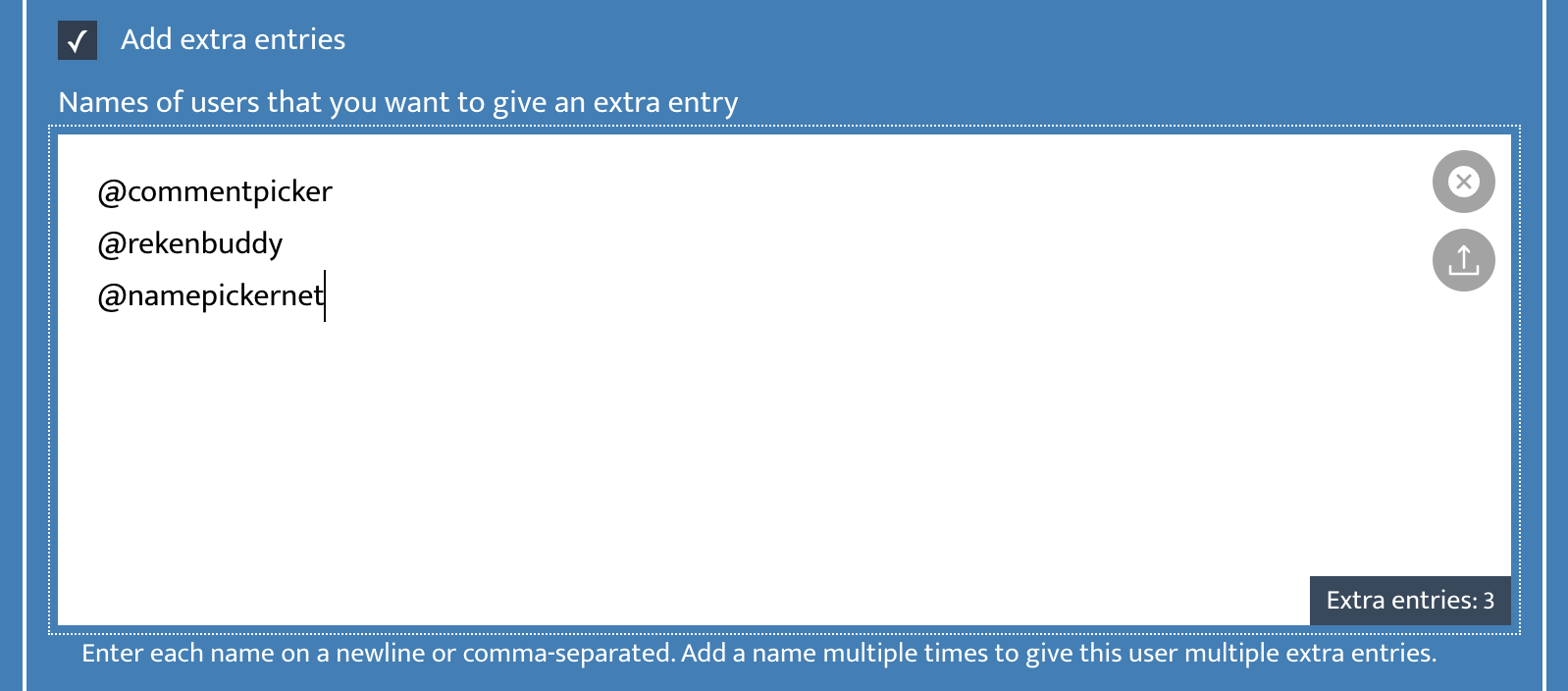
In the extra entries, you can add a list of names or usernames of users that should get an extra entry for your giveaway. These entries are added after the other filters and are not impacted by any. If you want to give a user 3 extra entries, you need to add their username 3 times. You can also upload a list of extra entries.
Examples of giveaway rules for extra entries:
- Follow us to get an extra entry.
- Share this post to your Story for a bonus entry.
- Subscribe to our newsletter for an extra entry.
- Like our Page to receive an extra giveaway entry.
Exclude users
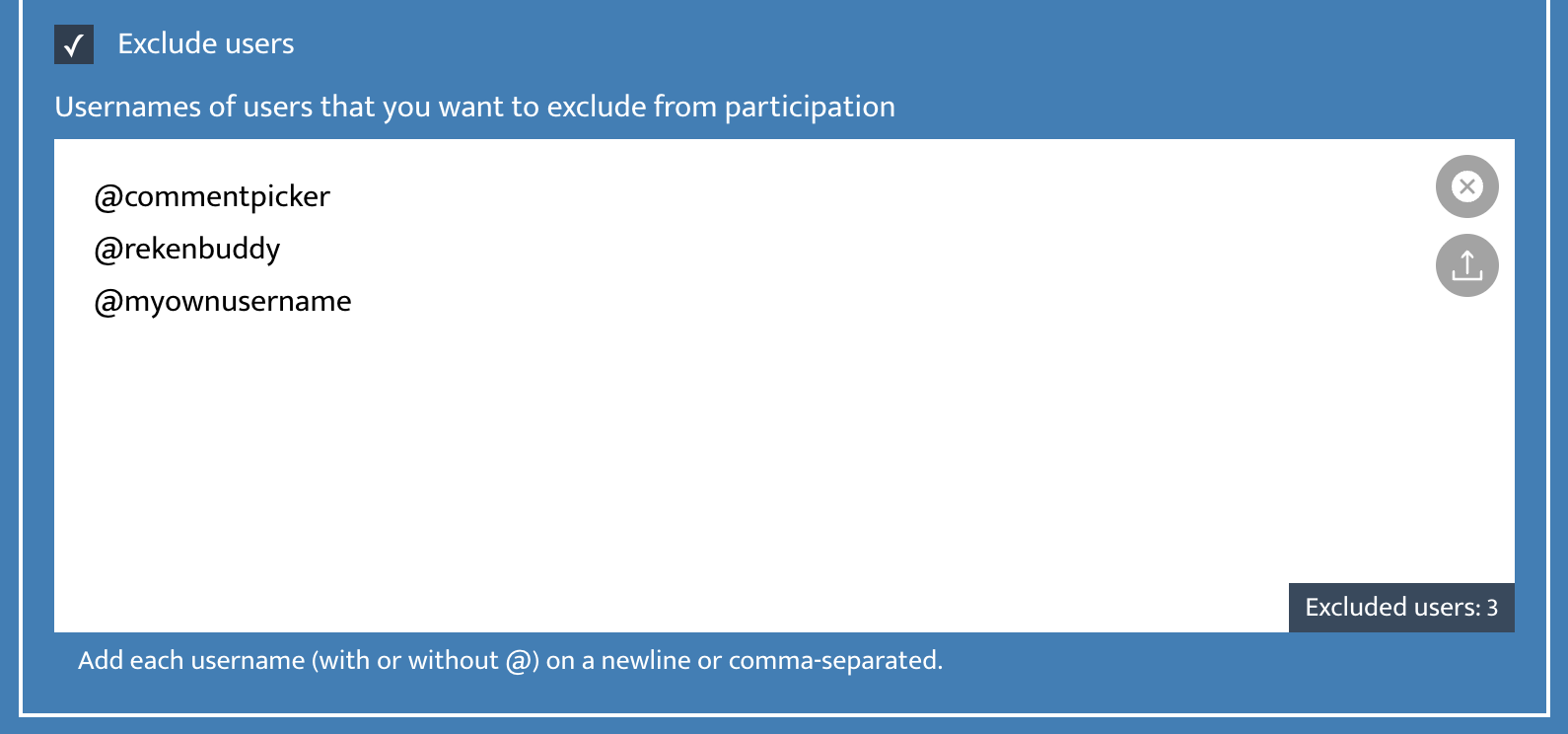
If you want to exclude previous winners from winning again, or prevent known spam accounts from joining, you can use the exclude users’ option. Here you can add or upload a list of usernames that should be excluded from participating in your giveaway. Please add the username of the account you want to exclude, example @commentpicker. For Facebook giveaways you need to add the name of the profile.
Limit entries per user
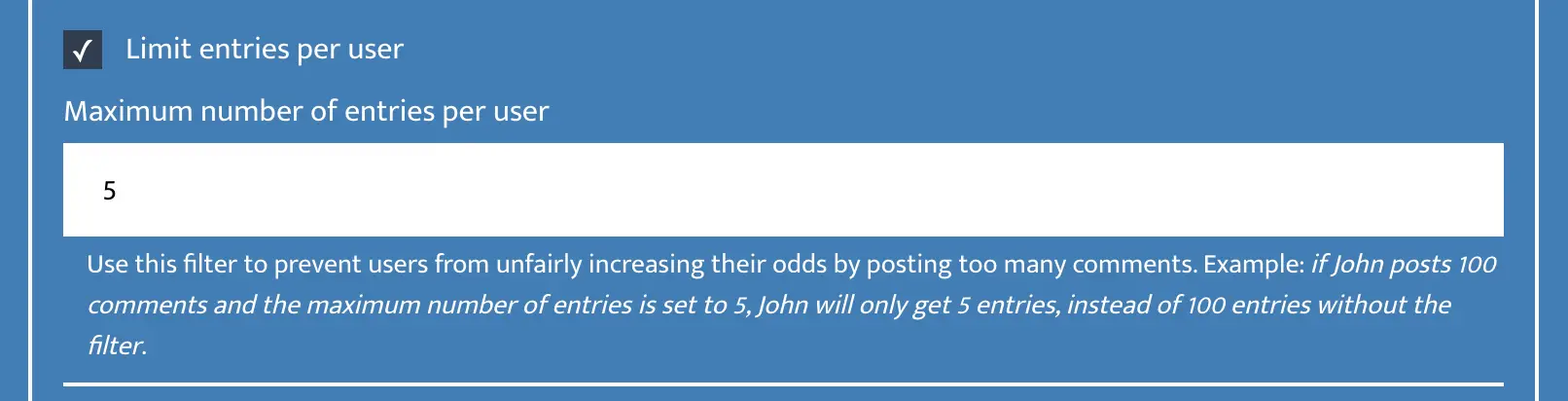
For some contests, you may want to give users multiple giveaway entries for each comment they post. However, you do not want users or spam accounts to greatly increase their chances of winning by posting hundreds or thousands of comments. To keep the giveaway fair, you can set a maximum number of entries per user.
Example of a giveaway rule:
- Maximum of 3 entries per participant.
Summary
Giveaway comment filters help creators and brands verify that participants meet the rules of their contest by checking duplicate users, mentions, comment text, dates, like counts, post likes, and other filters.
Entry settings can also be used to add bonus entries, exclude previous winners or spam accounts, and limit the number of entries per user. By combining the right filters and settings, you can remove invalid entries, keep the giveaway fair, and select a winner transparently.
Do you have any questions about one of our giveaway comment filters, how to manage entries of your giveaway to select a winner fairly, or how to use it for your own contest, please send us a message on Facebook or Instagram.