Giveaway Filters & Entry Settings
Giveaway filters helps verify if users and comments meet your giveaway rules and requirements, while entry settings can help prevent bots and invalid entries from joining your contest. Explore all available filters and settings by platform to select winners fairly.
| YouTube | TikTok | X (Twitter) | Threads | Bluesky | ||||
|---|---|---|---|---|---|---|---|---|
| Comment and Users Filters | ||||||||
| Remove duplicate users Only one entry per user. | yes | yes | yes | yes | yes | yes | yes | yes |
| Require mentions in comments * Up to 10 tagged users. | yes | yes | no | yes | yes | no | yes | no |
| Filter comments by text Require one or more words, hashtags, or answers. | yes | yes | yes | yes | yes | yes | yes | yes |
| Filter comments by date Set a start and/or end date. | yes | yes | yes | yes | no | yes | yes | yes |
| Filter comments by number of likes Set an exact, min. or max. number. | yes | yes | yes | yes | no | yes | no | yes |
| Require a photo in the comment Stickers or GIFs does not count as an image | no | yes | no | no | no | no | no | no |
| Require users to like the post * Only comments from users who liked the post are included. | no | yes | no | no | no | no | no | no |
| Entry Settings | ||||||||
| Add bonus entries Manually reward shares, subscriptions, or other actions. | yes | yes | yes | yes | yes | yes | yes | yes |
| Exclude users and previous winners Block spam accounts or previous winners. | yes | yes | yes | yes | yes | yes | yes | yes |
| Limit entries per user Set the max. number of eligible entries per participant. | yes | yes | yes | yes | yes | yes | yes | yes |
| Include comment replies Add replies to comments as entries. | yes | yes | yes | yes | no | no | yes | yes |
Giveaway Winner Selection Options
Not all giveaways, contests, and competitions are the same. Choose how many winners to select and which selection method to use based on the rules of your giveaway.
| Free | Premium | |
|---|---|---|
| Raffle settings | ||
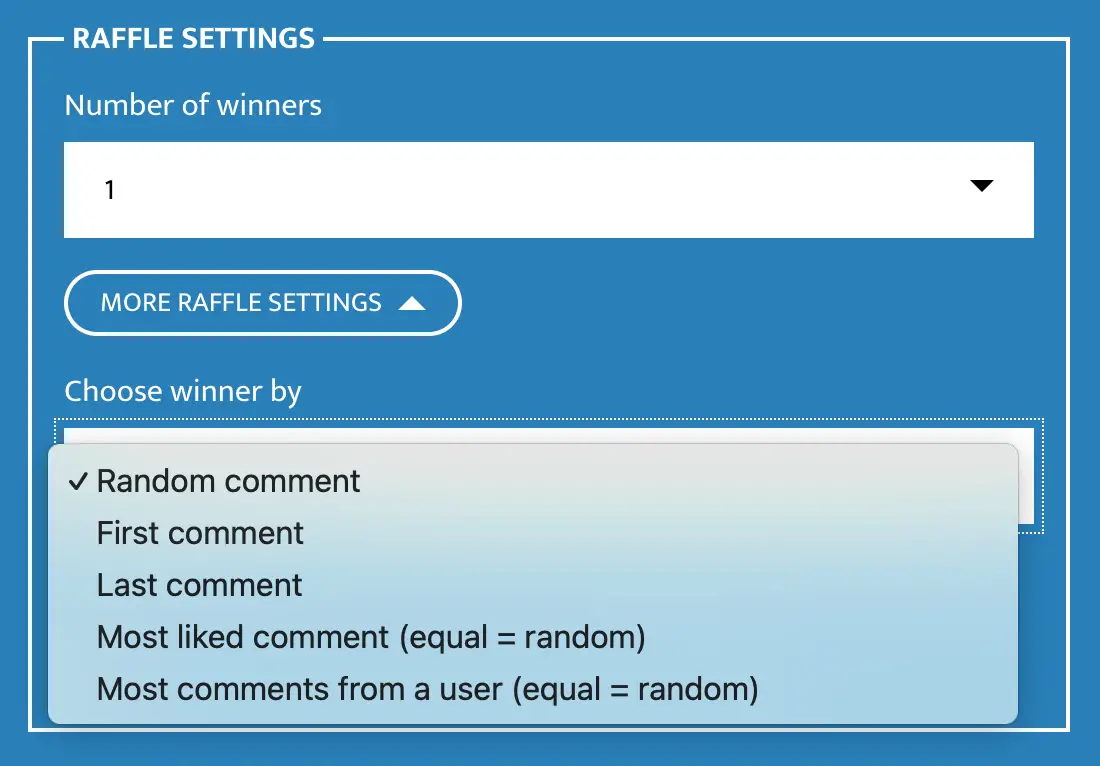
| Winners per draw Select new winners after draw. | Max. 1 | Up to 10 |
| Remove the winner from future draws | yes | yes |
| Selection methods | ||
| Random comment Default for all giveaways. | yes | yes |
| First comment For `Guess & win` contests. | no | yes |
| Last comment For `Last comment wins` contests. | no | yes |
| Most liked comment For `Comment with most likes wins` contests. | no | yes |
| Most comments For `User with most comments wins` contests. | no | yes |
Raffle Customization & Branding
Customize your giveaway to match your brand and choose how the draw is presented. This helps businesses, brands, and creators create a professional and recognizable giveaway experience.
| Free | Premium | |
|---|---|---|
| Branding options | ||
| Theme color | no | yes |
| Logo of your brand | no | yes |
| Custom giveaway title | no | yes |
| Draw options | ||
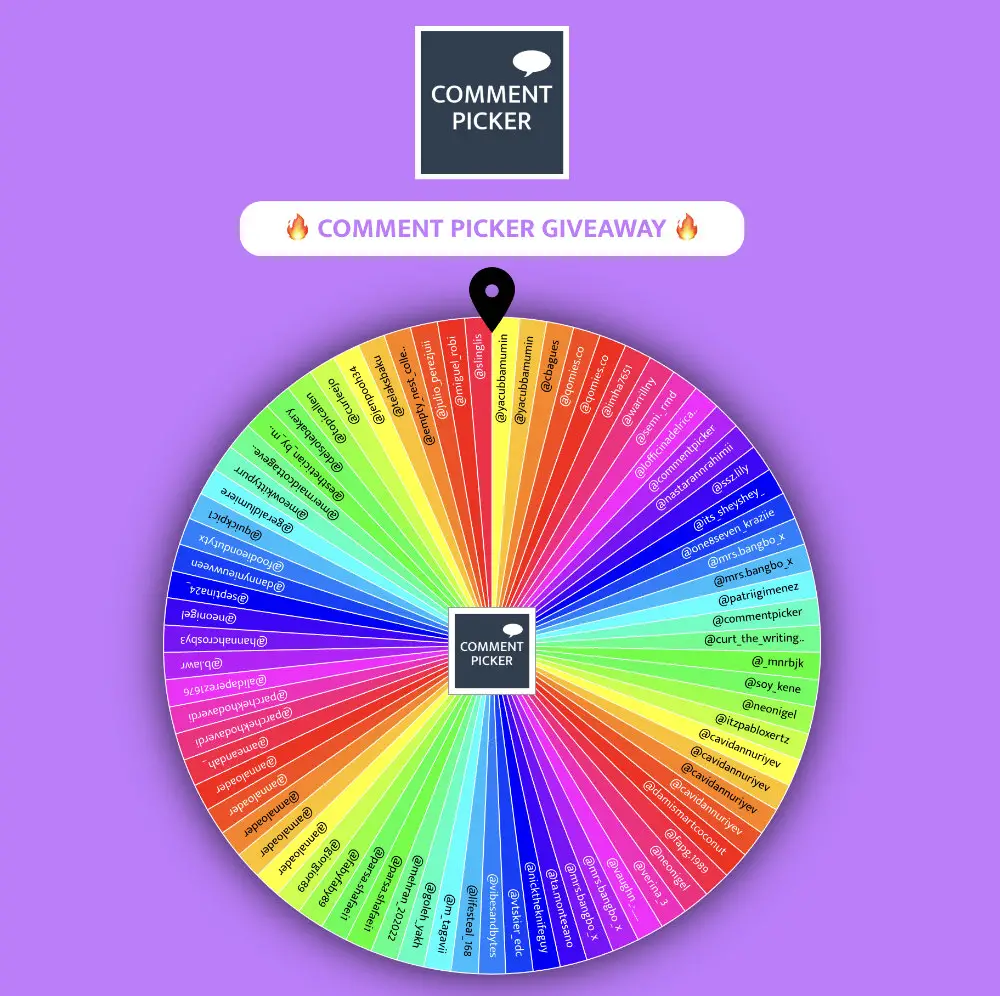
| Animations Random Names, Wheel, Spinning Names, Countdown. | yes | yes |
| Fullscreen mode Perfect for screen recording. | yes | yes |
| Confetti & sound Enable or disable via settings. | yes | yes |
Trust & Transparency
Announcing giveaway winners
Show your followers that your giveaway winner was chosen fairly. After the winners are selected, you can share the results in different ways to build trust and make your giveaway more transparent:
- Public results page with a shareable link.
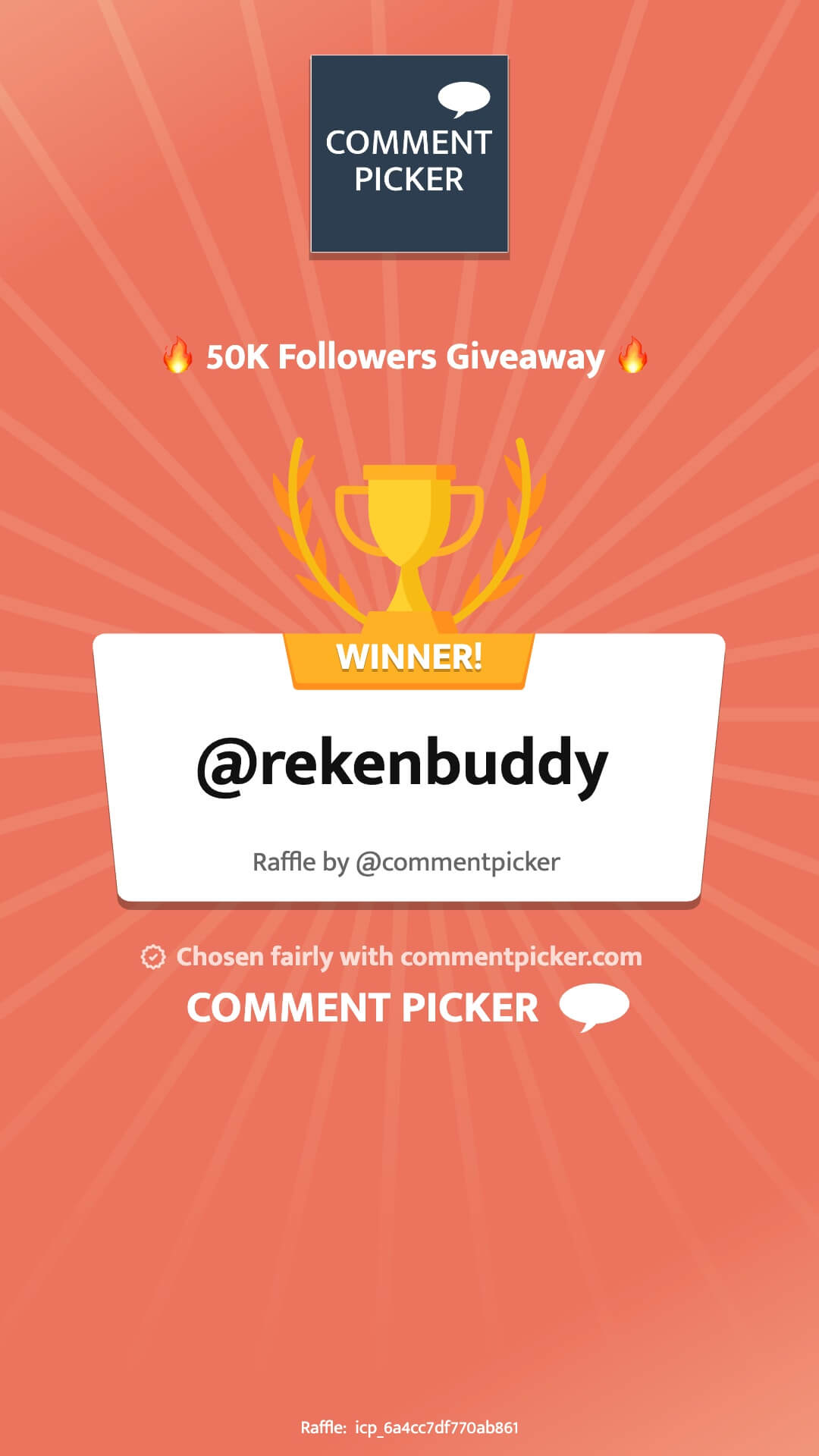
- Image certificate with winner(s).
- Animated winner announcement video.
- Screen recording of the winner selection.
Don't forget to mention and tag us in your giveaway announcement post!