Name Picker
Name Picker is an easy-to-use online tool to draw a random name from a list of names. You can select a name by spinning a wheel or instantly pick a winner.
Choose multiple names at once in the raffle generator, up to 10 names per draw.
To start, add your list of names and raffle settings in the Random Picker settings, and spin the wheel or start raffle to draw names.
| Features | Free | Premium |
|---|---|---|
| Multiple winners | Max. 3 | Up to 10 |
| Theme color, logo & title | No | Yes |
| Results saved to account | No | Yes |
| Ad-free | No | Yes |
| Price | $0 /mo | $9.99 /mo |
Random Name Picker Settings
Pick a Winner at Random

| Draw details | |
|---|---|
| By commentpicker.com | |
Mention @commentpicker in your post, video, or story for extra reach and exposure.
Mention @commentpicker in your announcement for extra reach and exposure.
How to draw a random name?
Draw a random name from a list of names in the following steps:
- Add a list of names.
- Choose raffle and results settings.
- Start raffle or spin wheel to pick a random name.
- Save results and share winner.
Prefer a visual guide? Watch our step-by-step video tutorial below on how to use the Random Name Picker app.
Random Name Picker Features
The Random Name Picker offers unique features to help you create the perfect raffle, whether you're a teacher, company, influencer, or just using it at home with family or friends. You'll find details for each feature below.
Animations
You can choose one of the following animations for drawing names:
- Show random names.
- Wheel of Names.
- Spinning names.
- Countdown.
- No animation (quick draw).
Choose to add confetti, or sound effects to create the perfect raffle experience.
Branding
Personalize your giveaway to match your brand:
- Add your own title.
- Set a custom theme color.
- Upload your logo.
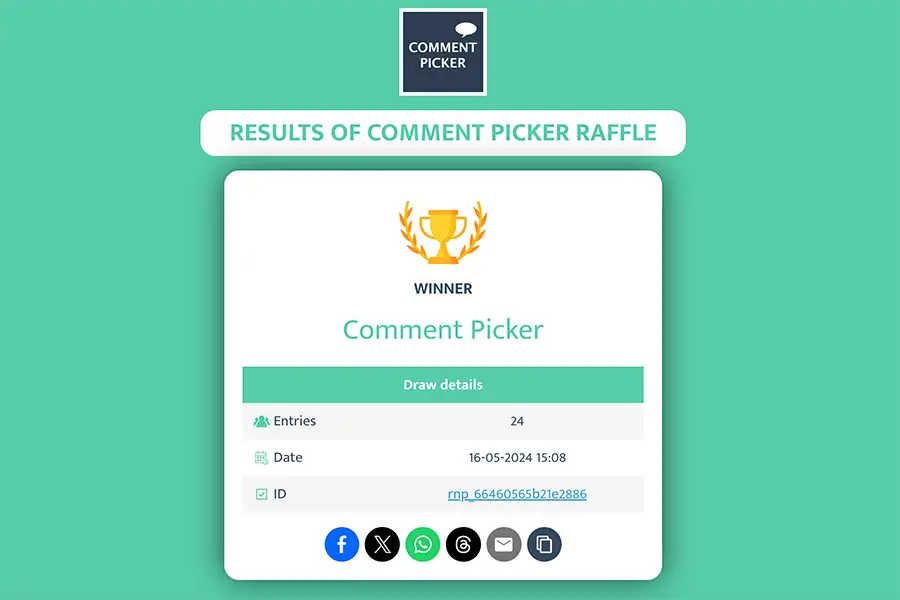
Sharable result image
Create an image certificate with the results of your raffle. Perfect for announcing the winners to the participants.

Announcing winners
Show your followers that your raffle winner was chosen fairly. After the winners are selected, you can share the results in different ways to build trust and make your raffle more transparent:
- Public results page with a shareable link.
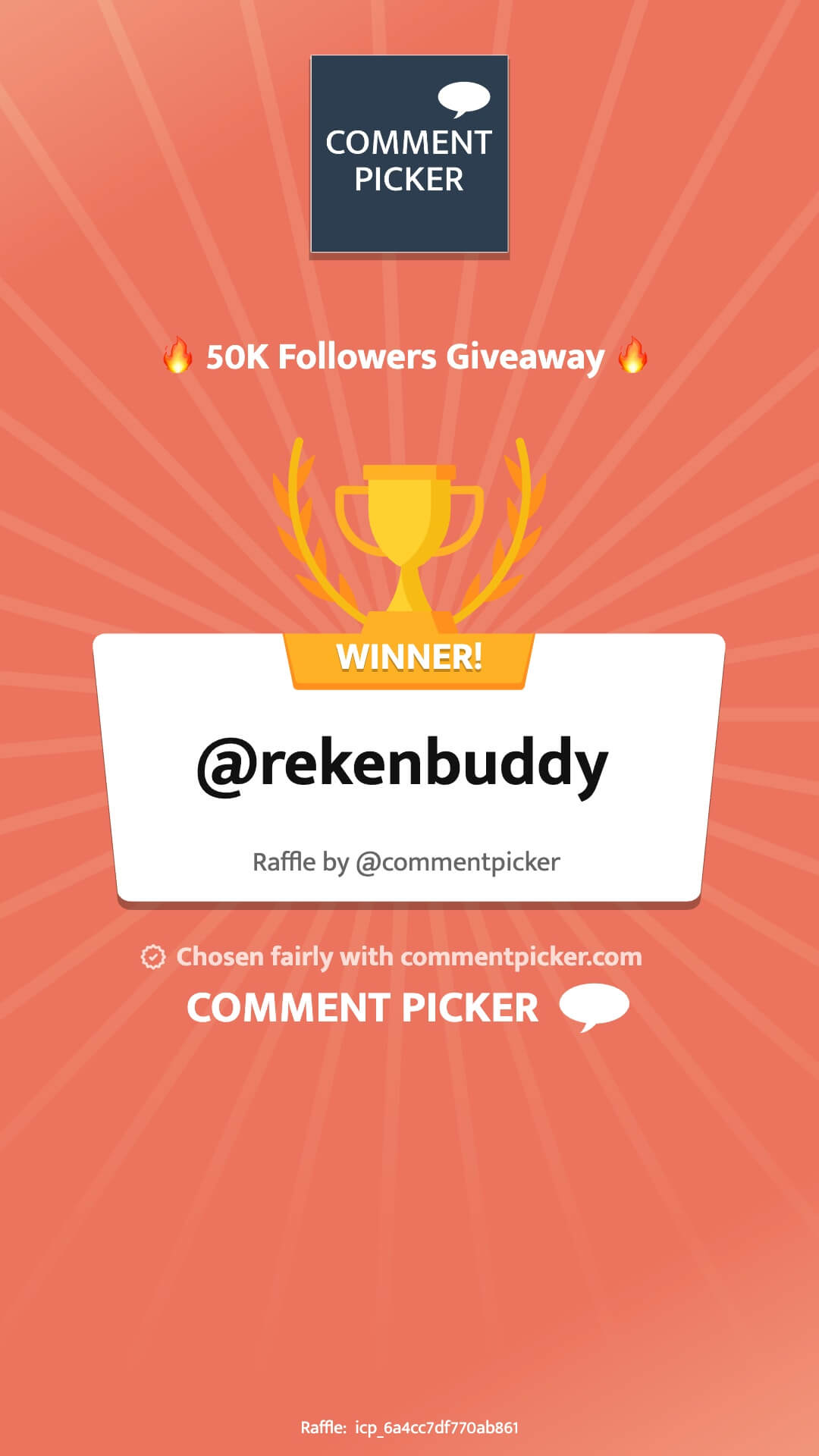
- Image certificate with winner(s).
- Animated winner announcement video.
- Screen recording of the winner selection.
Don't forget to mention and tag us in your raffle announcement post!
How to Use Random Name Picker?
Random Name Picker is a free online tool that lets you pick a random name from a list. It's perfect for raffles, contests, and giveaways, and also useful for everyday decisions like choosing who goes first or helping teachers randomly select a student in the classroom.
You can pick a random name in the following steps below.
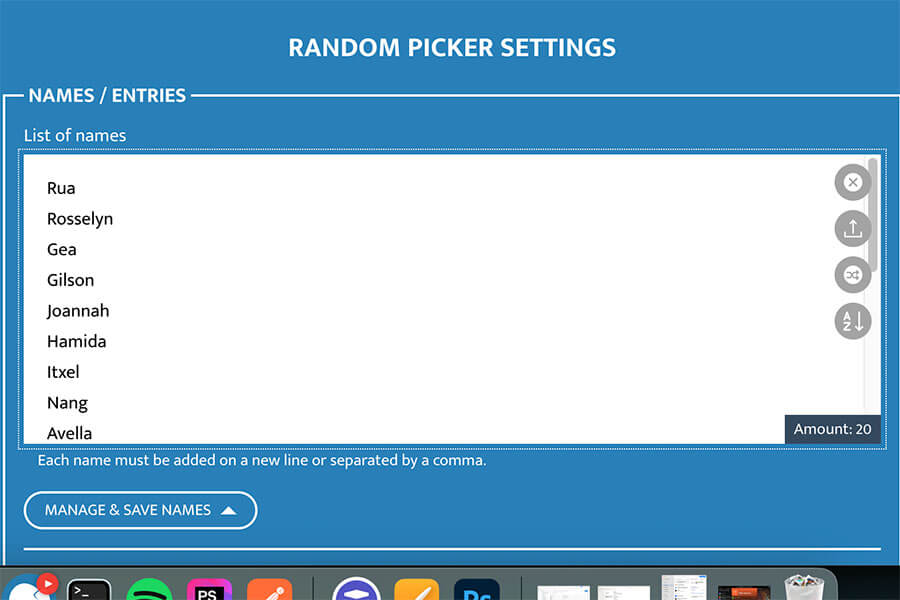
Step 1: Add Names
Enter your list of names in the Name Picker settings. You can add as many names as you like, with no limit.
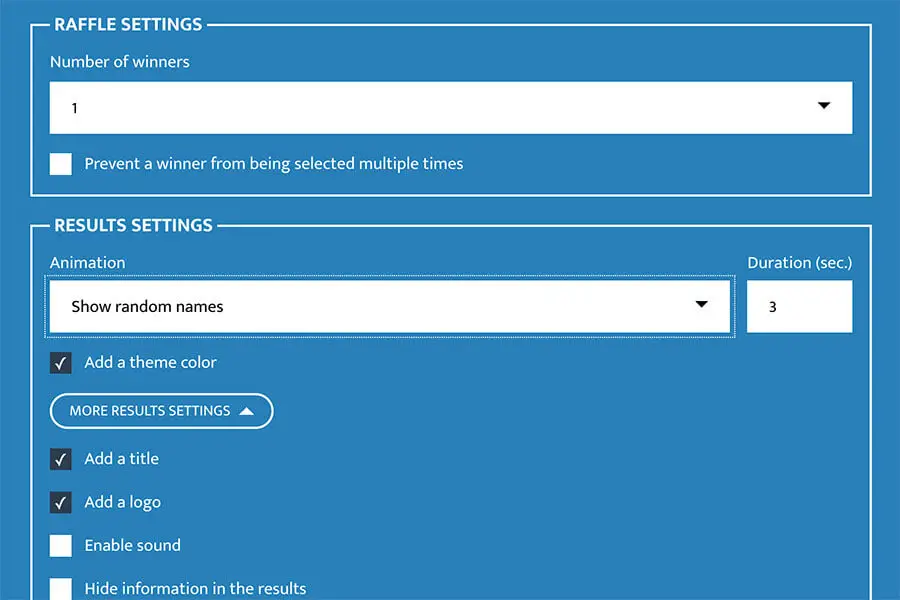
Step 2: Set Raffle and Result Settings
Select the number of winners and customize the raffle to match your style. Choose an animation like the name picker wheel, and personalize it with theme colors, a title, and your logo.
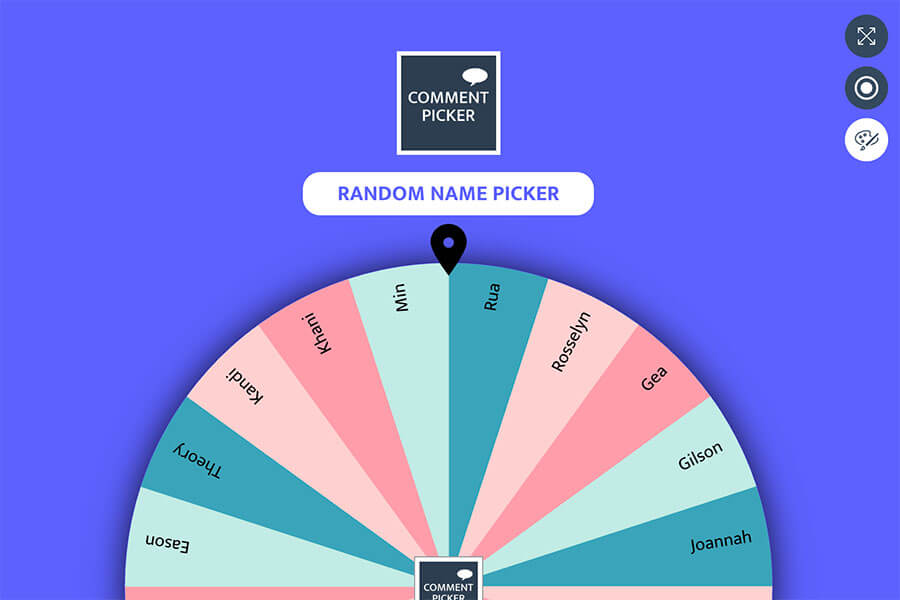
Step 3: Pick a Random Name
Press the Start button or spin the wheel to randomly pick a winner from your list.
Once the winner is selected, you can create a result page and share it to ensure transparency.
Frequently Asked Questions
You can find answers to frequently asked questions about the tool in the list below. Is your specific question not listed? Please send us a message via Facebook or Instagram.
Random Name Picker is free to use to create unlimited raffles and draws. You can add an unlimited number of names, and select up to 3 random winners at once.
Premium users can choose up to 10 winners at once, and get access to an ad-free platform with Premium features.
All users can add an unlimited number of names to the Name Picker for each draw. If you are using the Wheel of Names animation, we advise to use keep the number of names below 200 for readability. However, if you are using more names, the winner will still be randomly select from all names.
By default, we don't store any results of the raffles. If you create a public result page, image or video certificate, or using one of the share buttons, we store the raffle details on our server. This includes the name of the winner(s), the total number of names, and the date of the draw.
Free users can draw a maximum of three winners at once. Premium users can select up to 10 names for a single raffle. If you want to select more winners, you can use the 'Pick new winner' button which is visible after a draw.
If you are using the Wheel of Names or Spinning Names animation, you can select only one name at once.
Name Picker lets you save multiple lists of names locally on your device for later use. Name your list and press 'Save'. These saved lists can be accessed and used for any raffle or selection process, but only on the device where they were saved.
Our Random Name Picker also includes a Name Picker Wheel that you can use to draw a winner by spinning the wheel. Select the 'Wheel of Names' animation in the draw settings to create your customized wheel. With the Name Picker Wheel, you can create an interactive and fun way to select a winner from your list of names.