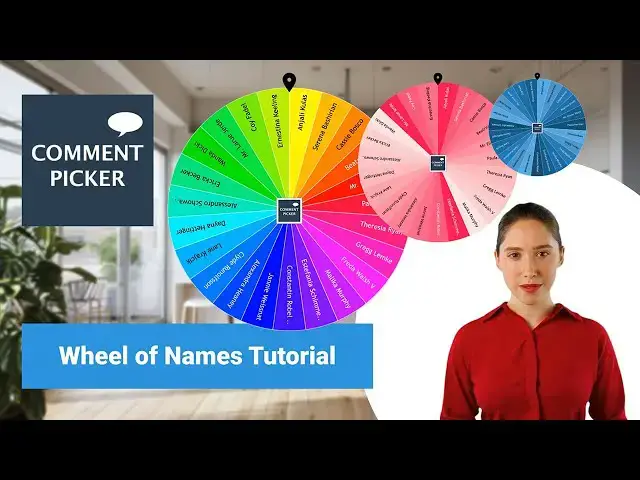

Wheel Of Names Tutorial: How To Create A Spinning Wheel?
May 10, 2024

In this video, we'll show you how to use Wheel of Names to create and customize your own spinning wheel, which can be used to draw a random name.
We'll start with how to add and manage names, change results, raffle and spin settings, and how to customize the wheel with colors and fonts. Finally, we’ll demonstrate how to spin the wheel to draw random winners.
Useful Links
Wheel Of Names: https://commentpicker.com/wheel-of-names.php
Comment Picker Premium: https://commentpicker.com/premium.php
Chapters
00:00 Wheel Of Names
00:17 Intro
00:32 Add, Save & Manage Names
01:21 Results & Spin Settings
02:21 Customize Wheel
03:11 Spin the Wheel
04:29 Questions?
Questions?
Leave a comment below or reach out to us on social media. Your feedback is valuable for our next tutorials, so let us know what you think!
Remember to hit that like button, subscribe for more tutorials, and share this video with friends, teachers or colleagues who needs to make their own spinning wheel for their raffle, giveaway or classroom.
Follow us:
► Comment Picker Tools: https://commentpicker.com/
► Comment Picker Premium: https://commentpicker.com/premium.php
► Subscribe to YouTube: https://www.youtube.com/c/CommentPicker
► Follow us on Instagram: https://www.instagram.com/commentpicker/
► Follow us on Facebook: https://www.facebook.com/Commentpicker
► Follow us on X: https://x.com/commentpicker
► Follow us on TikTok: https://tiktok.com/@commentpickercom/
► Follow us on Pinterest: https://www.pinterest.com/commentpickercom/
► Join us on Reddit: https://www.reddit.com/r/CommentPicker/
#commentpicker #wheelofnames #spinningwheel
Show More Show Less